Use DMLY’s n8n community node to automate your customer communication workflows with ease. It comes with predefined endpoints, making it simple to connect n8n with DMLY and automate key actions across channels like WhatsApp, Instagram, Messenger, Telegram, and Webchat.
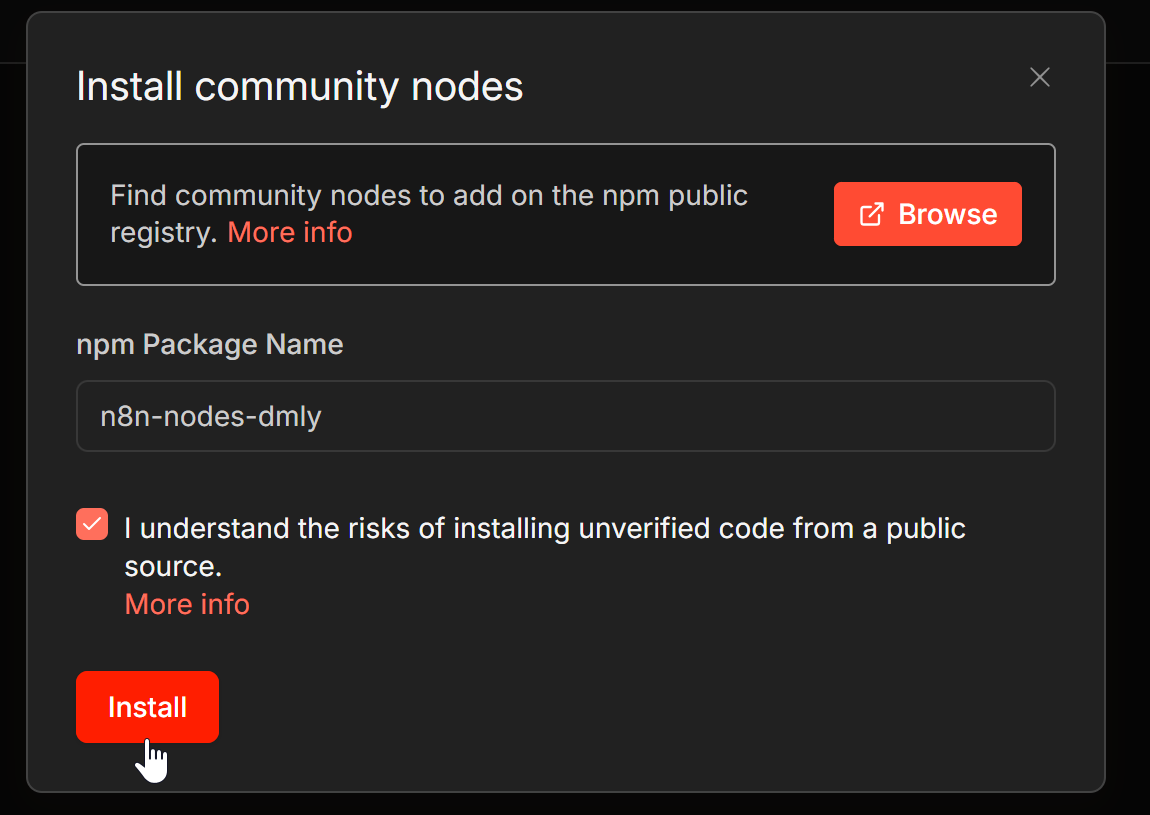
Open your n8n instance and go to Settings > Community Nodes > Install.
Then enter n8n-nodes-dmly in the package field. This will automatically install the DMLY node.
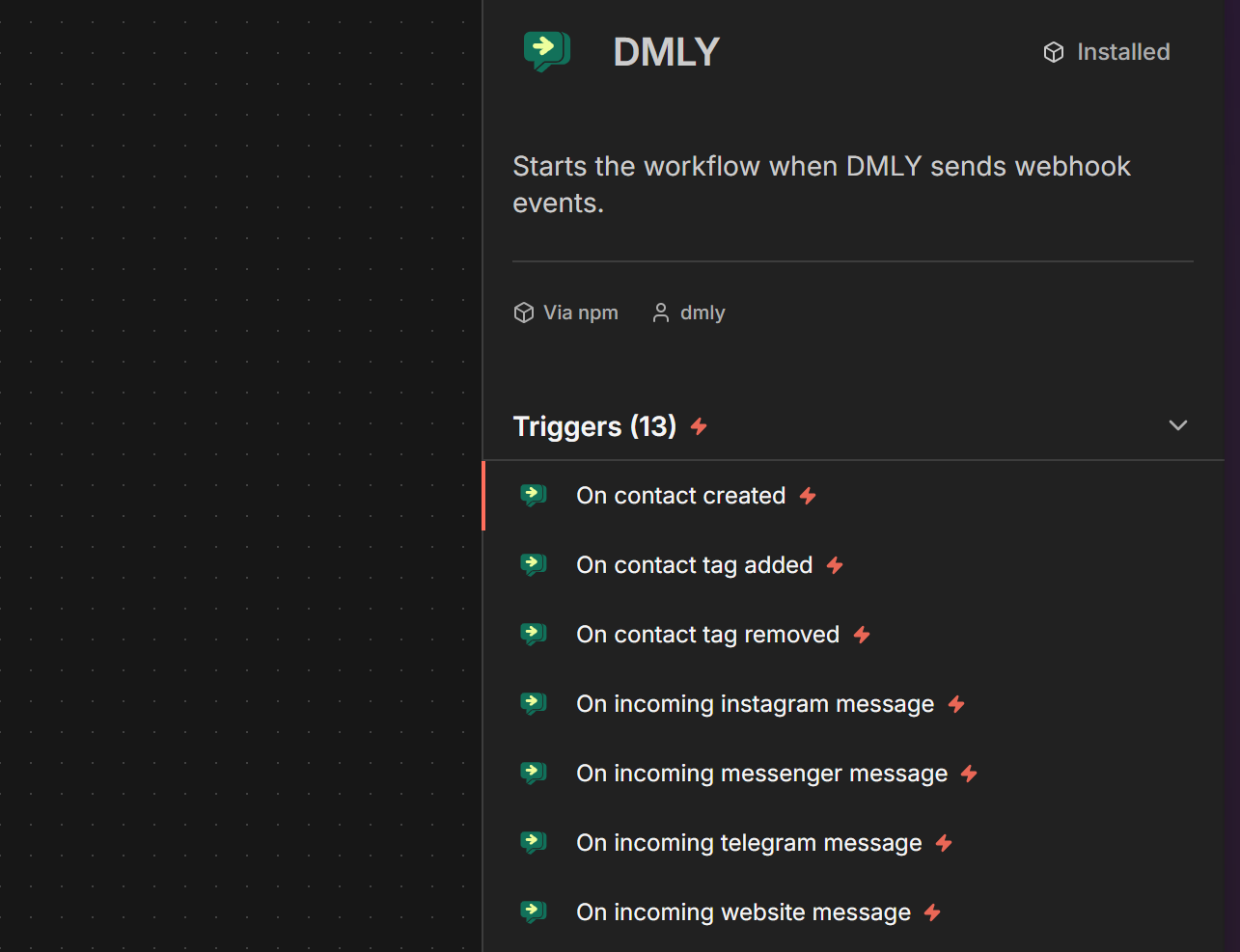
In your n8n workflow builder, add a new node and search for DMLY. Select it, then choose the trigger or action you want to use.
You can use the node to automate events such as new contacts, tag updates, incoming messages, outgoing messages, and other communication workflows connected to your DMLY workspace.
Community Node: https://www.npmjs.com/package/n8n-nodes-dmly
See our API Documentation for more details on how to use the available endpoints.
